
Apps
dxLink21, the app that simplifies your work
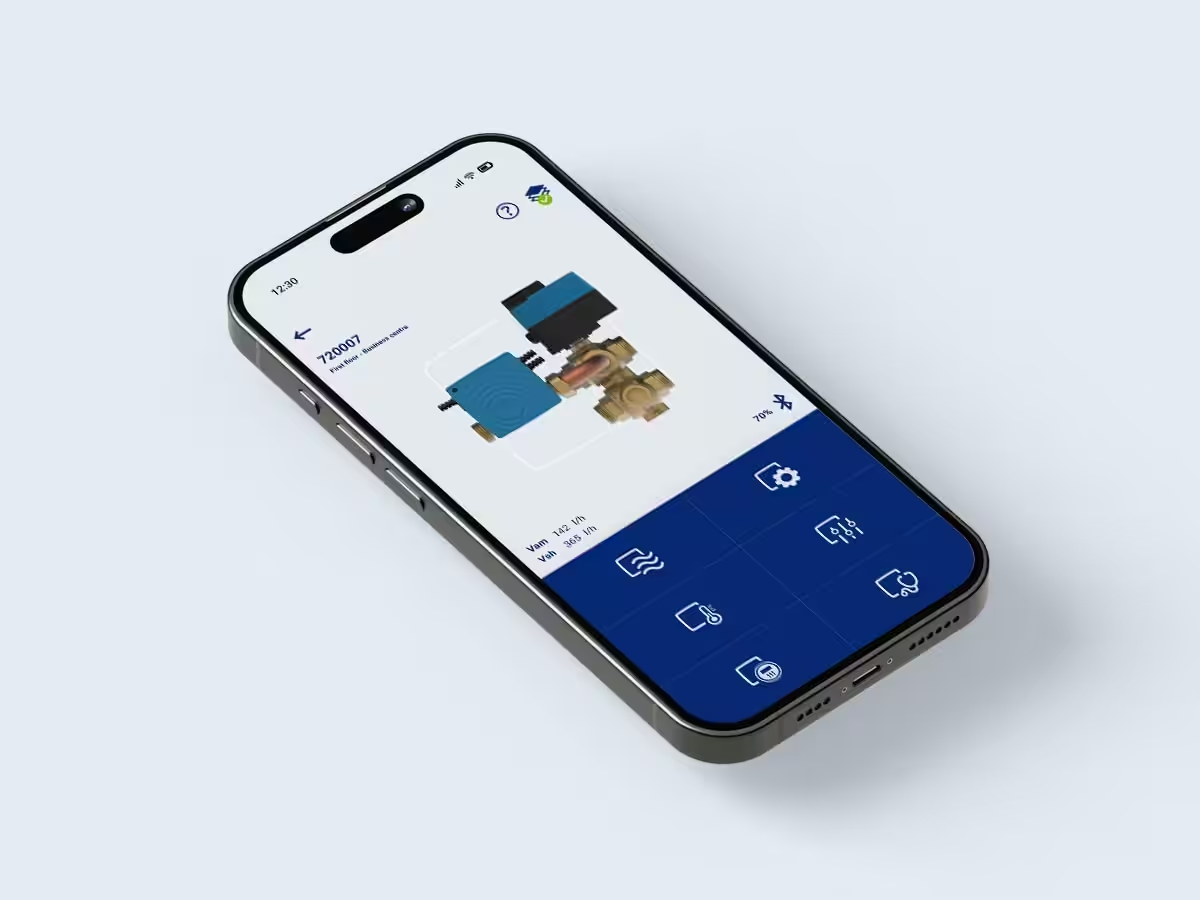
Manage, commission and monitor dynamx™ flow control valves directly from your smartphone or tablet. dxLink21 gives you quick access to key valve functions, helping you save time during installation, commissioning and maintenance.
Download the app and keep full control of your HVAC systems, wherever you are.
About dxLink21
Commission, configure and monitor with ease
dxLink21 gives HVAC professionals direct access to key dynamx™ valve functions. Configure settings, perform diagnostics and monitor performance from your smartphone or tablet, wherever you are.
- Quick commissioning and setup
- Real-time monitoring of valve performance
- Access to diagnostics and device information
- Easy configuration from a smartphone or tablet
- Designed for dynamx™ flow control valves

Powerful tools at your fingertips

Flow
Control and configure the valve’s flow settings
Temperature
Control and configure the valve’s temperature settings
Energy
Control and configure the valve energy settings

Settings
Control and configure the valve general settings

Calibration
Control and configure the valve calibration settings

Diagnostics
Send log files to our team for support inquiries.
FAQ
How do I register for the dxLink21 app?
Download the dxLink21 APP from Google Play or the App Store. In the stores, you can also search for ‘dxLink21’ to install the app. The demonstration video below explains the registration steps.

Important: please note that the verification token may begin with a dash (-). This dash is part of the verification token and therefore must also be entered.
Existing users
Existing Android users will automatically update to the latest version of the dxLink21 app. iOS users must manually install the app using the link above. The ‘old’ version of the app will continue to work until June 17, 2024.
After the update, all data will remain intact. Some users may be prompted to reapply for the token.
How do I delete my user data?
To remove your user data from our dxLink21 systems, please fill out the ‘Remove User Data dxLink21’ form.
Which languages are supported?
The app is available in 5 languages:
- English
- German
- French
- Dutch
- Chinese
The app language can be changed via App Settings > Parameters > Language
Ready to get started with dxLink21?
Download the app and simplify commissioning, configuration and diagnostics of your dynamx™ flow control valves.